
dsh-vibeos
UI & ExperienceLoping151/dsh-vibeos
VibeOS inside DeepSeek Harness: the whole web UI becomes a virtual desktop whose app windows are HTML the model writes as you use them.
- ai-desktop
- cordis-plugin
- deepseek
- deepseek-harness
- dsh
- dsh-plugin
- generative-ui
- vibeos
- virtual-os
Verification and compatibility
This section shows evidence collected by the catalog. Undeclared information is labeled as unknown.
- Current-version compatibility
- Verified on the catalog Harness version
- Declared Harness range
- Not declared
- Declared platforms
- Not declared
- Profiles
- web
- Build approval
- Unknown
- Permissions
- Not declared
- External services
- Not declared
- Telemetry
- Unknown
This is not a security endorsement. Review source, permissions, and configuration before installing.
View evidence and scope
Verification covers only the named source, version, and Harness environment. It does not guarantee future compatibility.
github:Loping151/dsh-vibeos#f4f29392ed83a910ab39b9eb22a369056355fded- The manifest and static structure passed checks; a runtime load check has not completed.
README
VibeOS
English · 简体中文
基于 DeepSeek Harness 的鲸鱼操作系统?(伪)
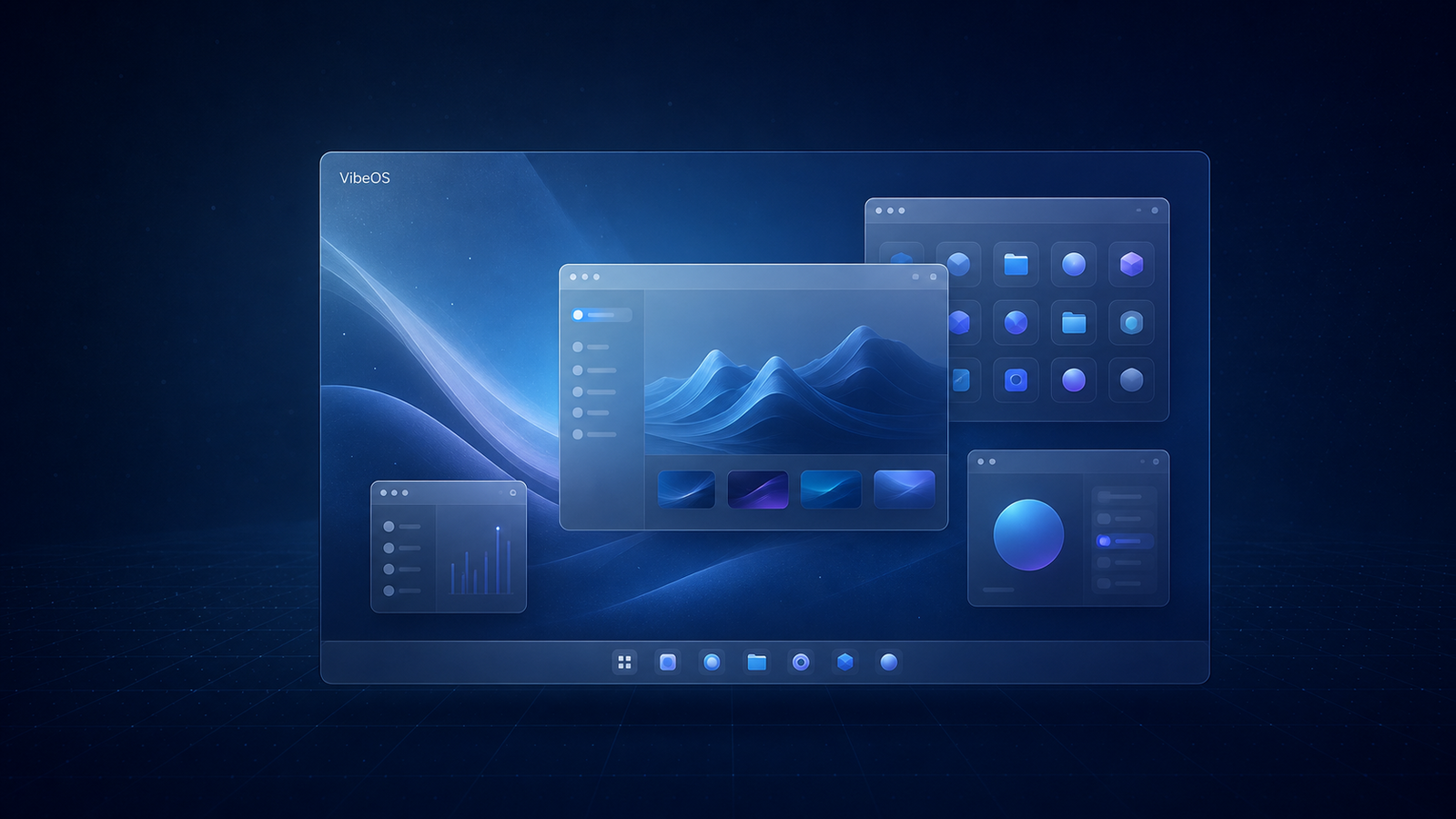
真·AI驱动的操作系统!
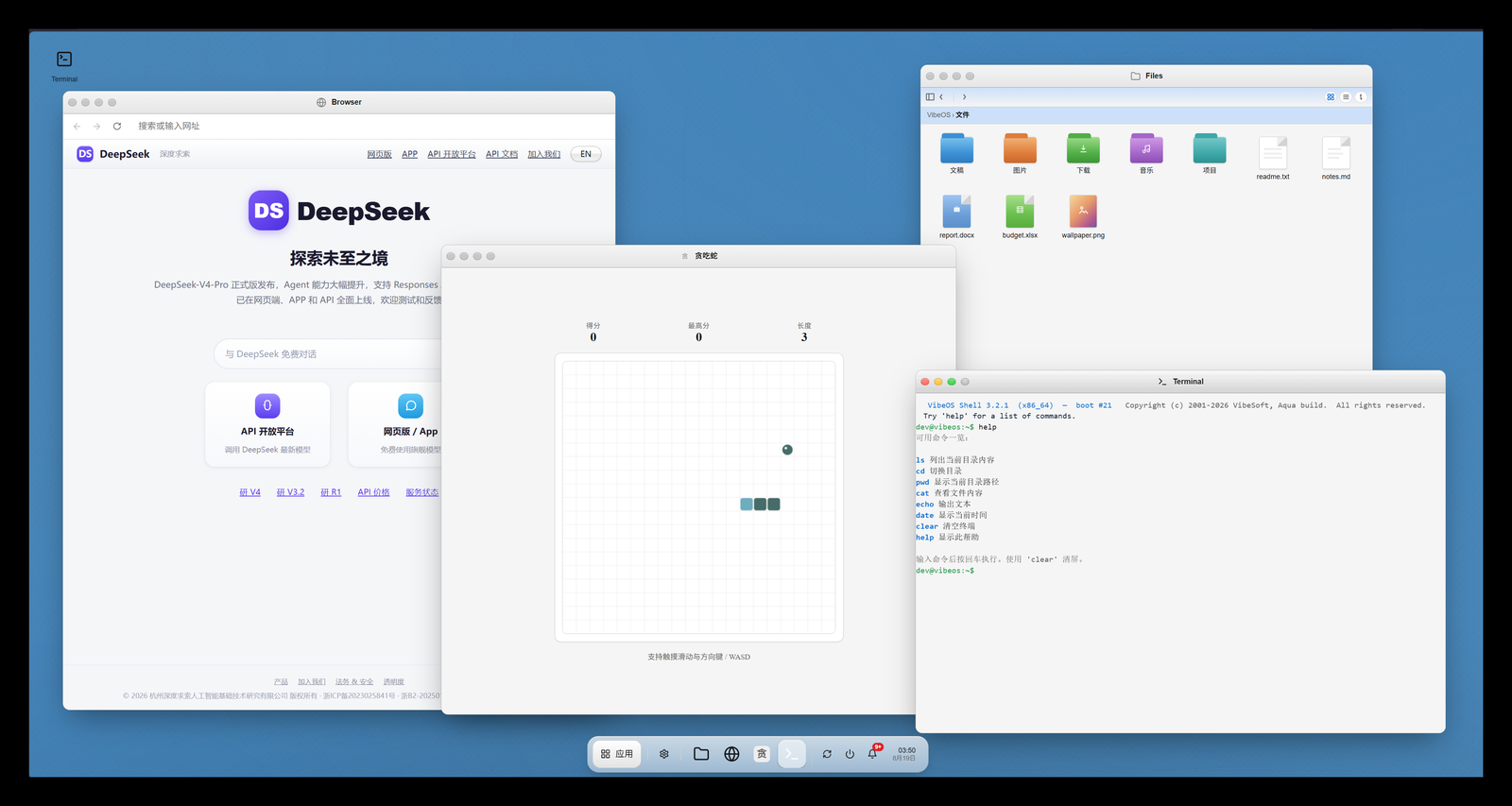
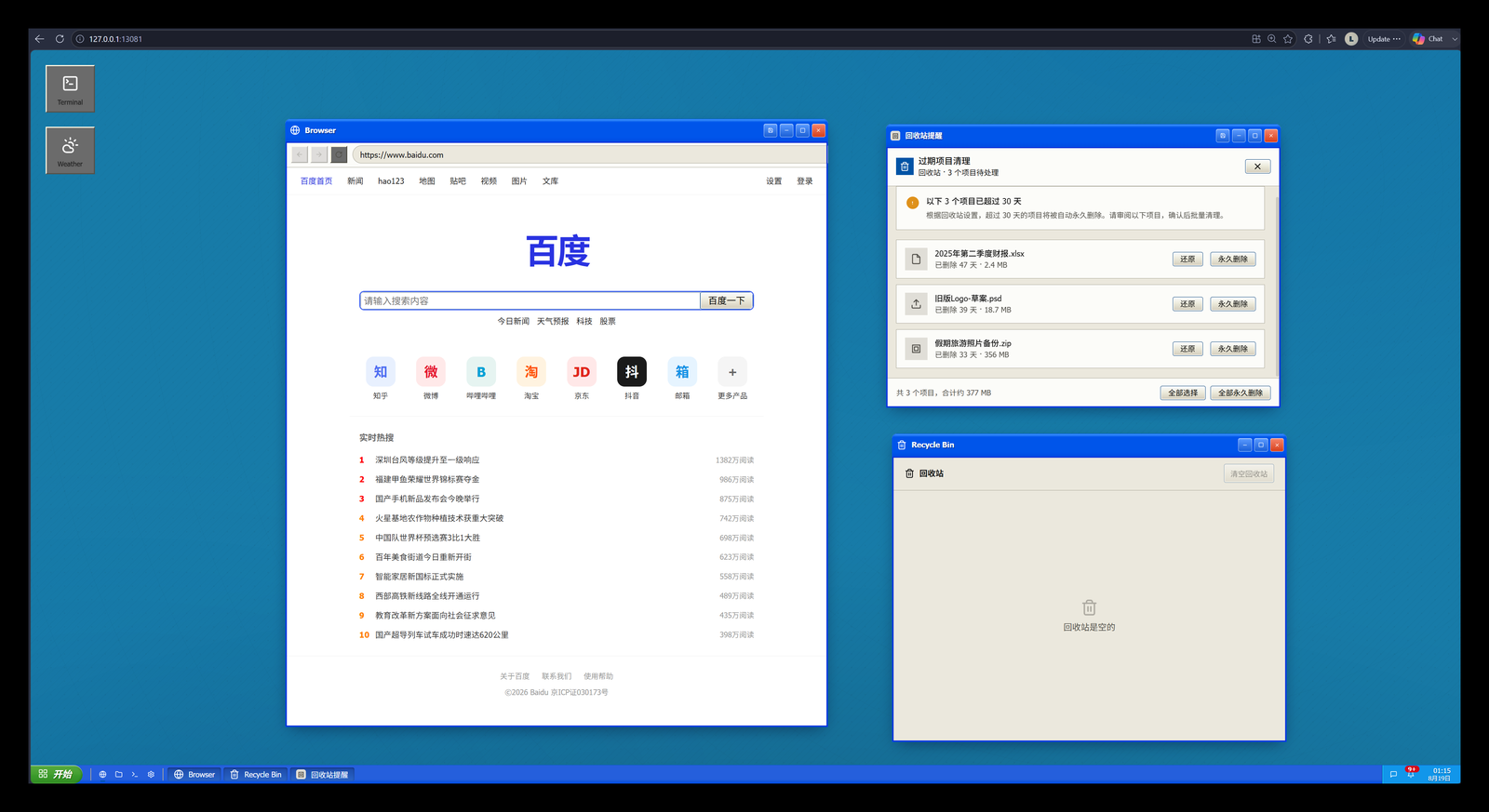
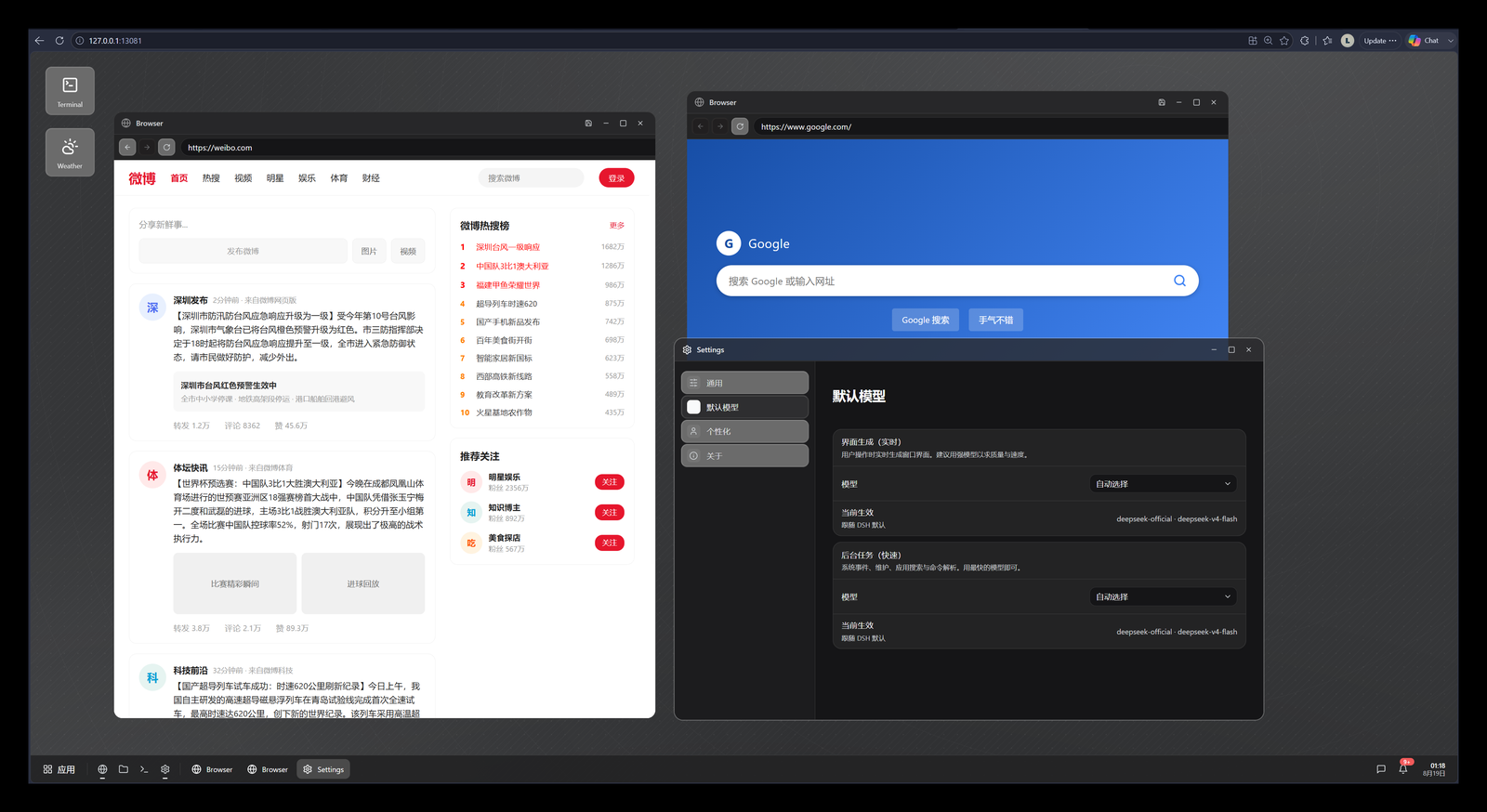
长这样
 |  |
 | 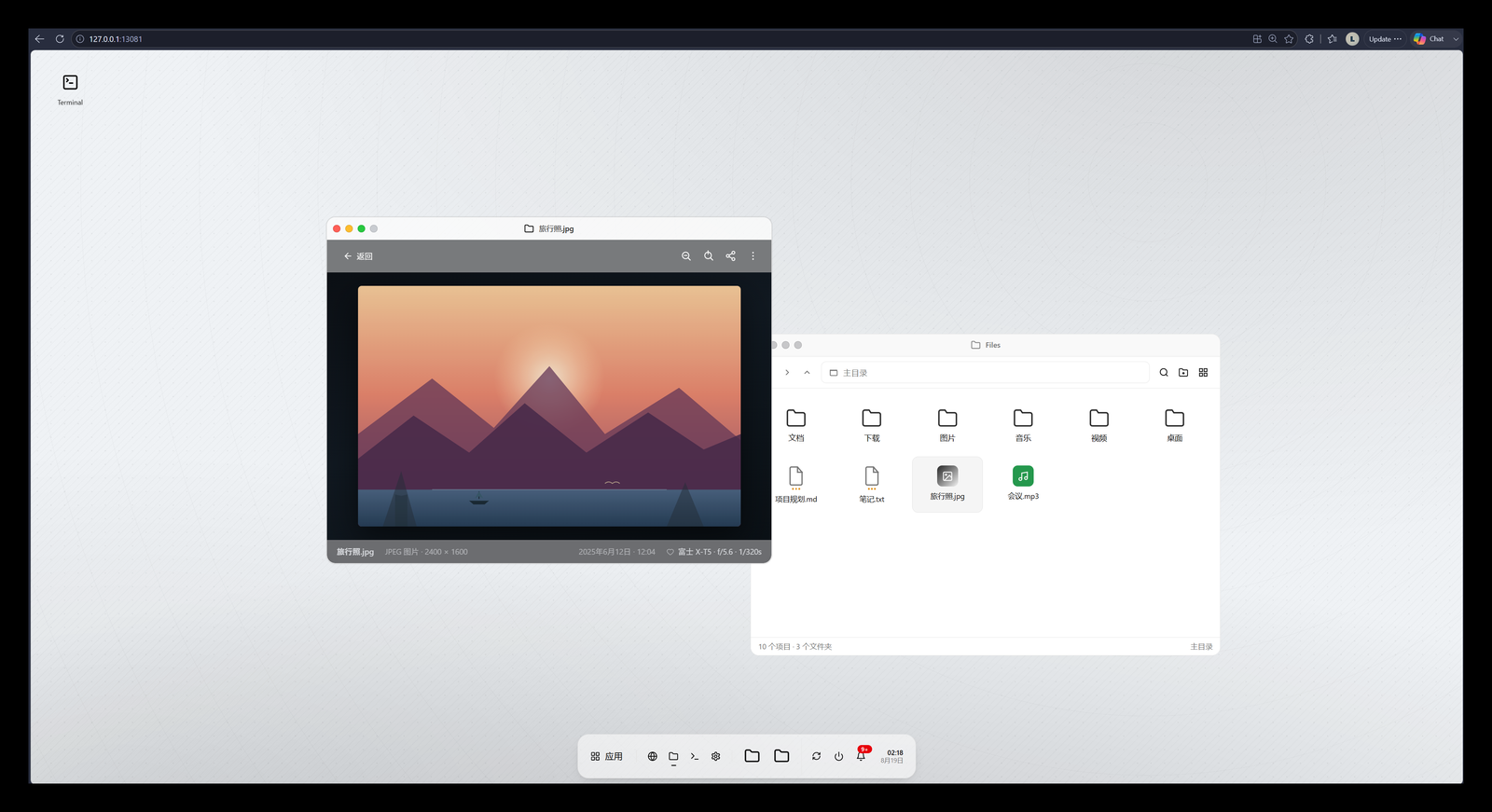 |
安装
已验证 DSH 0.1.0-rc.7 与 0.2.0-rc.2,需要 Node.js 22.19+ 或 24+。
Linux / macOS:
mkdir -p ~/dsh-plugins && cd ~/dsh-plugins      # 你的插件目录,放哪都行
git clone https://github.com/Loping151/dsh-vibeos.git && cd dsh-vibeos
dsh plugin --profile web add file:.
Windows(PowerShell):
mkdir -Force ~\dsh-plugins; cd ~\dsh-plugins
git clone https://github.com/Loping151/dsh-vibeos.git; cd dsh-vibeos
dsh plugin --profile web add file:.
重启 dsh web,硬刷新浏览器。无需本地构建;更新时 git pull 后 remove 再 add 一次。
日常
- 关机(经典模式):随时切回常规 DSH——开始菜单、托盘电源钮、设置里都能切,右下角 VibeOS 按钮返回桌面。关机状态下后台不再调用模型。
- 永久关闭:
dsh plugin --profile web remove dsh-vibeos - 撤销 / 重做:
Ctrl+Z/Ctrl+Shift+Z回退、恢复当前窗口的上一帧。 - 重启:相当于开新会话——当前会话自动归档(保留最近 3 个),设置 → 通用里可随时恢复;系统设置始终保留。
配置
不写配置文件。两处界面即改即生效、互相同步:
- 桌面内的 系统设置 应用——模型、皮肤、语言、后台节奏、生成风格、壁纸。
- 经典模式下,DSH 设置对话框的 VibeOS 分区——同一套设置。
模型默认跟随 DSH 并优先 flash 档,可分角色(界面 / 后台)覆盖。
扩展
数据
全部状态在 ~/.dsh/storages/vibeos_*.json 与 vibeos-images/;不建会话、不进聊天记录,删除即出厂。
开发与测试
pnpm install
pnpm check
pnpm verify-pack
pnpm test:e2e
构建直接使用锁文件里的 DSH 开发依赖,Host 与 Client 分别检查类型。端到端测试使用 PATH 中的 dsh,在临时 DSH_HOME 中启动关闭模型调用的独立实例,并自动清理进程、会话和存储。测试其他安装可设置 DSH_BIN 与 DSH_RUNTIME_MODULES。
致谢
VibeOS(MIT),桌面内核与交互契约皆源于此。
原始灵感来自 Microsoft Build 2026 "Vibe OS"(视频)。


