
dsh-reply-nav
UI & Experiencenicolas-zhao-4/dsh-reply-nav
Adds a navigable timeline sidebar to long conversations, letting users hover to preview and click to jump between user turns.
- deepseek-harness
- dsh
- dsh-plugin
Verification and compatibility
This section shows evidence collected by the catalog. Undeclared information is labeled as unknown.
- Current-version compatibility
- Verified on the catalog Harness version
- Declared Harness range
- Not declared
- Declared platforms
- Not declared
- Profiles
- web
- Build approval
- Unknown
- Permissions
- Not declared
- External services
- Not declared
- Telemetry
- Unknown
This is not a security endorsement. Review source, permissions, and configuration before installing.
View evidence and scope
Verification covers only the named source, version, and Harness environment. It does not guarantee future compatibility.
github:nicolas-zhao-4/dsh-reply-nav#db8f53ecaefd58aa08f32d3794b7db2dba8da1bb- The manifest and static structure passed checks; a runtime load check has not completed.
README
dsh-reply-nav
让长对话,变成一条可导航的时间线。
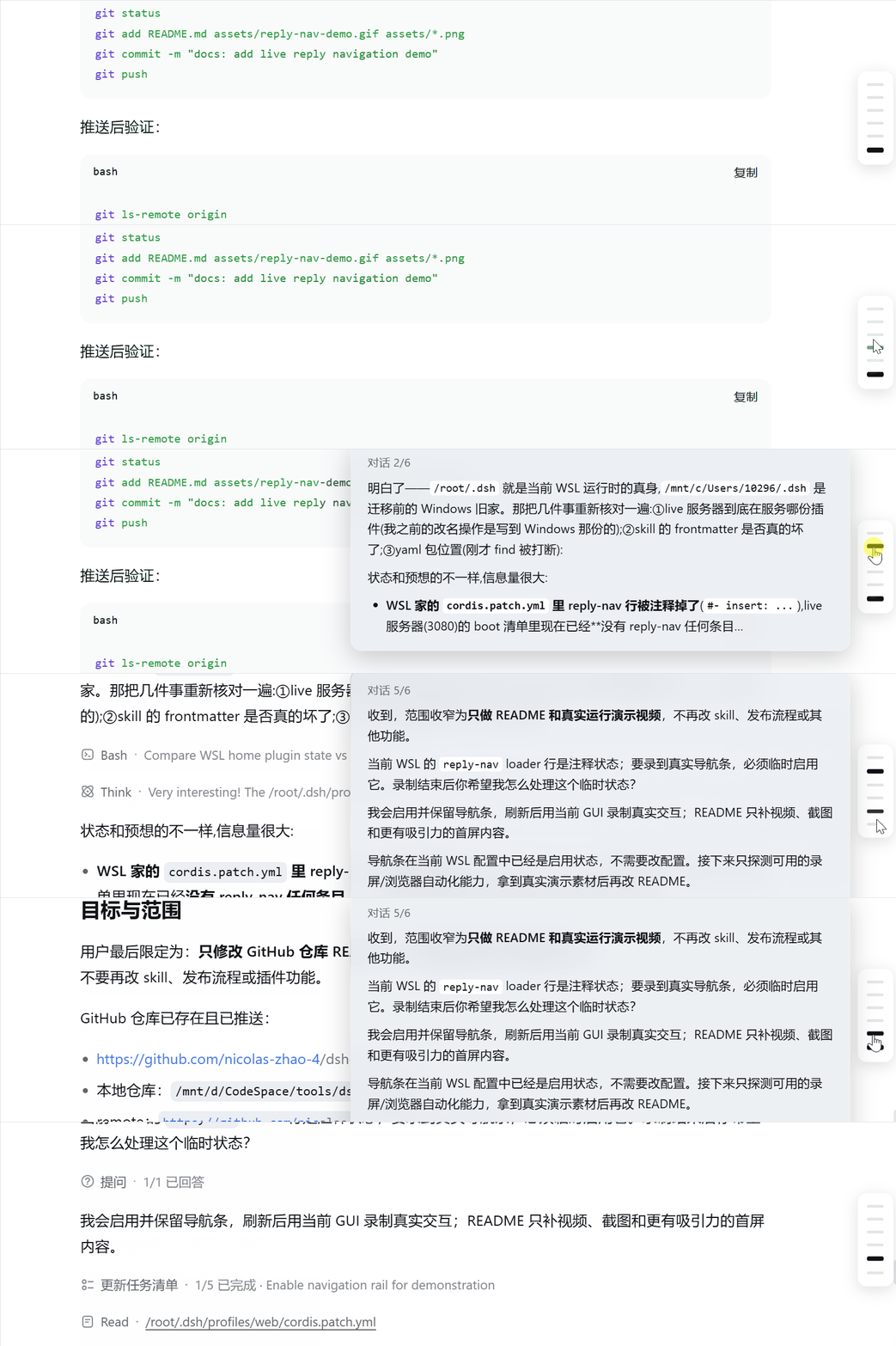
在 DeepSeek Harness 的长对话右侧,按用户回合显示导航条:悬停即可预览显式回复,点击即可跳转。工具调用再多,也不会把一个回合拆成一堆难以定位的步骤。
为什么值得用
- 一条横杠 = 一轮对话:按用户消息导航,而不是按工具拆分的 assistant step 导航
- 悬停即预览:显示渲染后的 Markdown 回复,快速判断这一轮是否值得回看
- 点击即跳转:滚动到对应回合,当前回合自动高亮
- 轻量且无侵入:纯客户端、无后端、无构建步骤,跟随 DSH 主题
30 秒安装
git clone https://github.com/nicolas-zhao-4/dsh-reply-nav.git
cd dsh-reply-nav
powershell -ExecutionPolicy Bypass -File ./install.ps1
刷新 DSH Web 页面即可。Linux/macOS 使用 ./install.sh。
安装方式
一键脚本(推荐)
脚本会把插件复制到 <profile>/node_modules/,并幂等地写入 cordis.patch.yml。默认 profile 为 web。
手动安装
将 package.json 和 lib/ 复制到 ~/.dsh/profiles/<profile>/node_modules/dsh-reply-nav/,然后在 cordis.patch.yml 添加:
- insert:
    - id: reply-nav
      name: dsh-reply-nav
npm/GitHub
cd ~/.dsh/profiles/<profile>
npm i --no-save --package-lock=false github:nicolas-zhao-4/dsh-reply-nav
然后添加上面的 patch 并刷新页面。
包含与排除
- 包含:显式回复文本、Markdown 预览、回合级跳转
- 排除:thinking/reasoning、tool calls
验证与排错
- 刷新页面后,长对话右侧应出现导航条
- 确认
http://127.0.0.1:3080/plugins/dsh-reply-nav/client.js返回200 - “设置里已激活”只代表 Node 侧加载成功;UI 未出现时请查看浏览器控制台
原理
插件通过 shell.overlay 注册浮层 UI;客户端从 DSH session snapshot 中聚合每个用户回合的 assistant 显式文本,渲染为预览并绑定跳转。全部 UI 位于 lib/client.js,修改后刷新页面即可生效。
许可证
MIT


