
dsh-win32
Securitysjh9714/dsh-win32
A tool to fix and diagnose DeepSeek Harness on native Windows, checking official PowerShell and workspace write packages, applying safe repairs, and creating a desktop shortcut, without WSL.
- ai-agent
- deepseek
- deepseek-harness
- deepseek-harness-plugin
- deepseek-v4
- doctor
- dsh
- dsh-plugin
- dsh-plugins
- native-windows
- no-wsl
- powershell
- sandbox
- win32
- windows
- windows-fix
- workspace-write
README
dsh-win32
Fix DSH on Windows. No WSL.
Official PowerShell. Workspace Write. One command.
npx dsh-win32 setup
Current DeepSeek Harness already includes persistent PowerShell and a Windows ACL sandbox. dsh-win32 checks that official stack, finds known Windows failures, applies the repairs it can prove safe, and creates a desktop shortcut.
It does not install Git, PowerShell, busybox, WSL, or another DSH bundle on the current path.
中文 · Windows evidence and legacy details
See the current setup
Reproduced setup flow. This is not a screen recording.
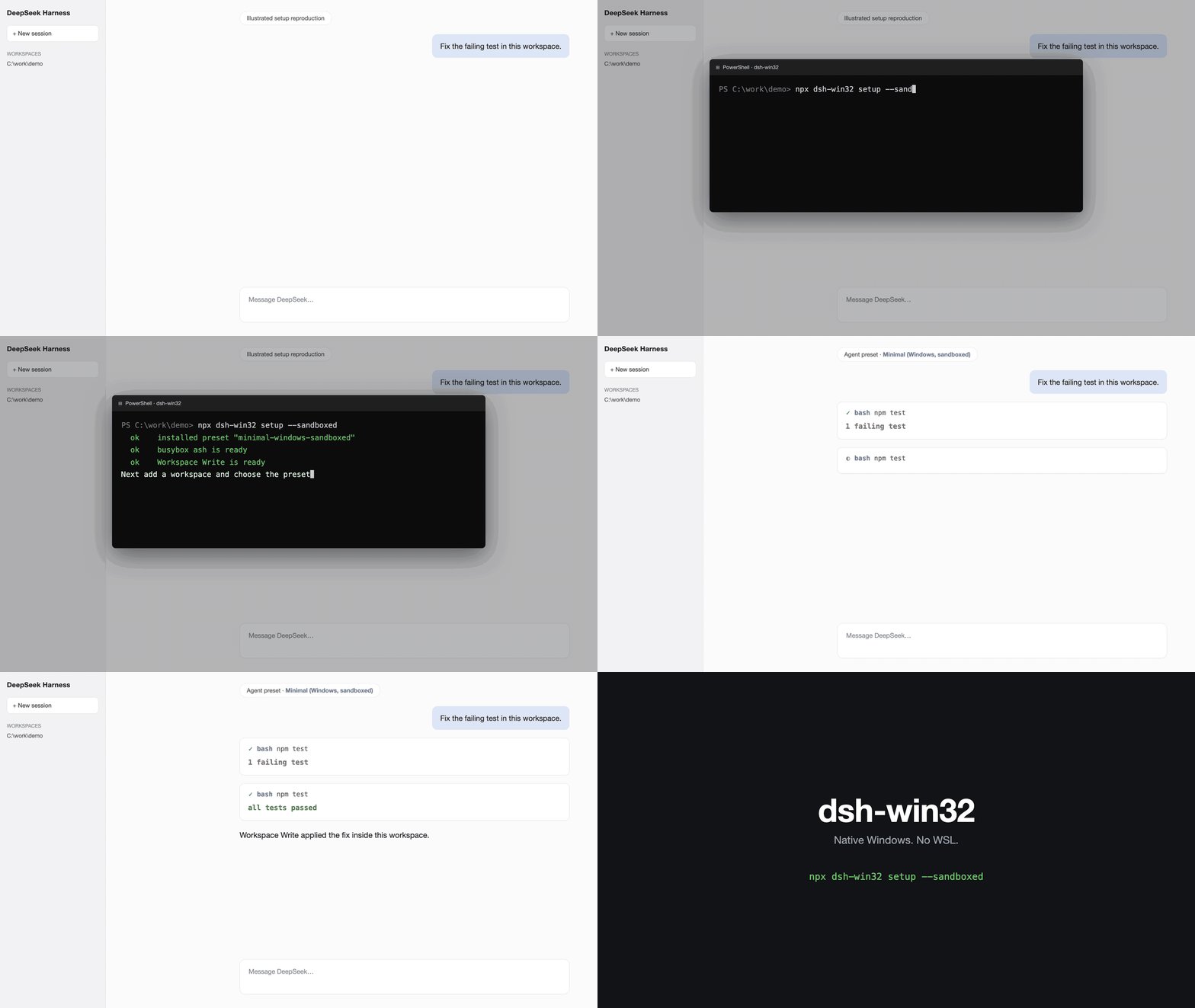
The command checks the official persistent PowerShell and Workspace Write packages, creates the shortcut, and leaves the profile on the stock Minimal preset.
What setup does
- Checks the latest published DSH Windows package contract
- Checks PowerShell 7 and known broken koffi runtimes
- Creates a
DeepSeek Harnessdesktop shortcut for the Web profile - Leaves the official profile and preset unchanged
- Shows the exact next steps for a first session
After setup, open DSH, add a workspace, choose the stock Minimal preset, and keep Workspace Write enabled.
Use another profile without creating a shortcut.
npx dsh-win32 setup --profile desktop --no-shortcut
--sandboxed remains accepted for old notes and scripts. Current DSH already provides the sandbox, so the flag makes no extra change.
Doctor and safe repair
npx dsh-win32 doctor
npx dsh-win32 doctor --json
npx dsh-win32 fix
doctor verifies the published DSH Windows stack and checks local Windows failures. Its JSON output follows the dsh-doctor/v1 envelope.
fix only repairs installed koffi versions that are known broken or fail a real runtime load. It verifies the load again after repair.
Legacy DSH
DSH rc.6 and older did not ship the current official PowerShell stack. The previous Git Bash and busybox presets remain available behind an explicit flag.
npx dsh-win32 setup --legacy
npx dsh-win32 setup --legacy --sandboxed
npx dsh-win32 doctor --legacy
The legacy Git Bash preset needs danger-full-access. The legacy busybox preset can run in Workspace Write. Neither path installs Git automatically.
Read the implementation evidence, compatibility history, and complete legacy limitations.
Honest limits
- The current path checks published DSH package metadata. It cannot prove that a separately cached launcher is the same version.
- PowerShell 7 is recommended. dsh-win32 does not install it.
- A legacy busybox session uses ash rather than Bash.
- Editing a legacy encoded file writes UTF-8.
- Treat
C:\tmpas outside the expected legacy write fence until the upstream Windows path issue is fixed.
License
MIT.